Creating a cozy and productive home office environment is essential for anyone working remotely or spending significant time on personal projects. A well-designed workspace not only enhances your focus but also supports your well-being throughout the workday. In this post, we’ll explore practical tips to help you transform any space into a comfortable and efficient home office.
Choose the Right Location
Consider Natural Light
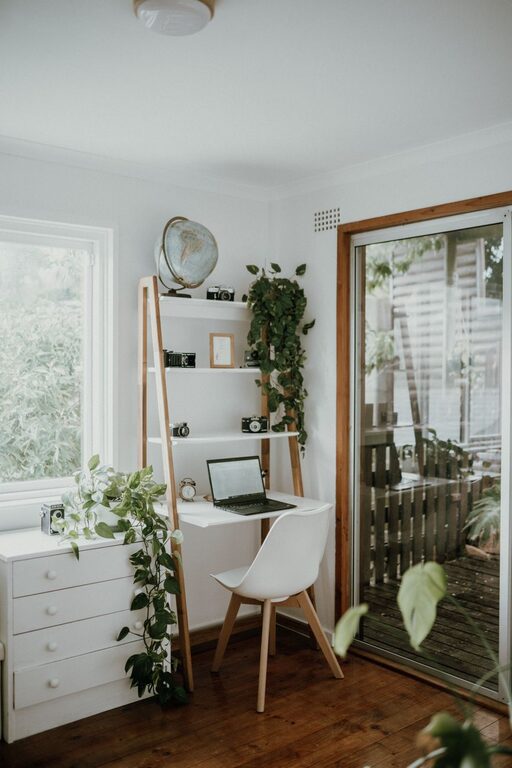
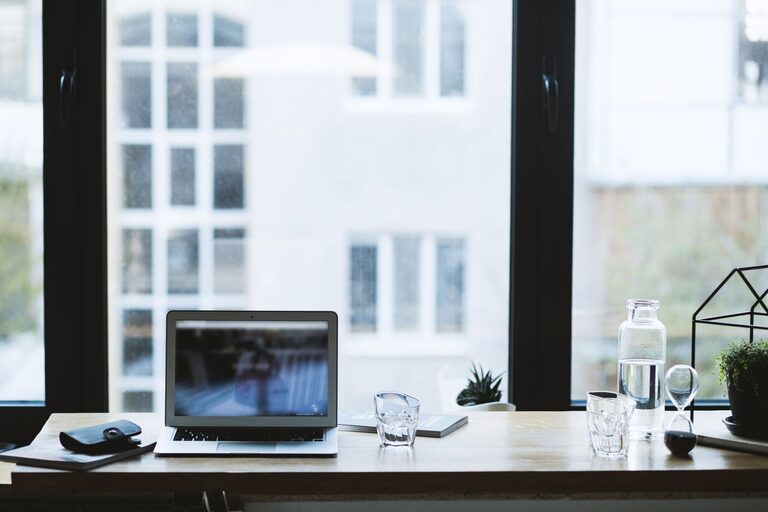
Select a spot with plenty of natural light whenever possible. Natural sunlight can boost your mood and energy, making it easier to stay alert. If natural light is limited, invest in good quality lighting that mimics daylight.
Minimize Distractions
Try to pick a quiet area or use noise-cancelling headphones if noise is unavoidable. Having a space away from high-traffic areas in your home helps reduce interruptions and keeps you focused.
Invest in Comfortable and Functional Furniture
Ergonomic Chair
A supportive chair is crucial. Look for one with adjustable height, lumbar support, and comfortable padding. Sitting correctly reduces strain on your back and shoulders.
Desk Size and Height
Choose a desk that can comfortably fit your computer, accessories, and any paperwork. The height should allow your arms to rest naturally with your wrists in a neutral position to avoid strain.
Organizers and Storage
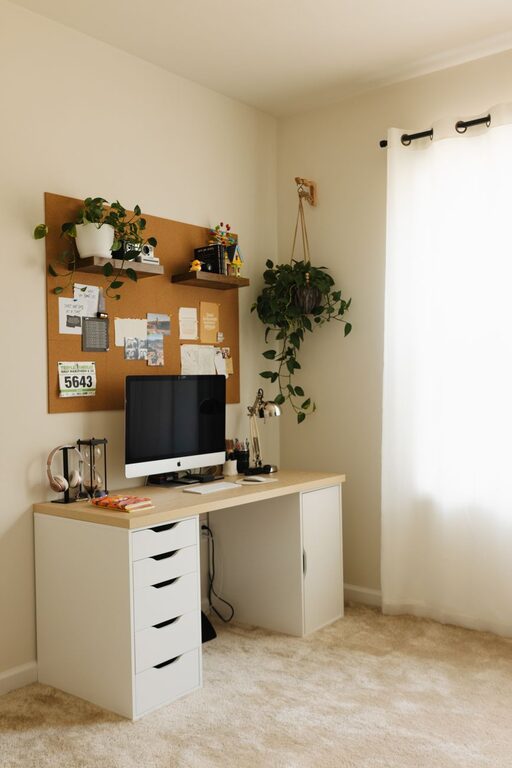
Keeping your workspace tidy helps your mind stay clear. Use shelves, drawers, or desk organizers to store supplies and keep everything within easy reach.
Design for Comfort and Style
Personalize Your Space
Add items that make you feel welcome and motivated, such as plants, photos, or artwork. Personal touches make the space uniquely yours without becoming clutter.
Choose Calming Colors
Soft, neutral tones or pastels create a calming environment. If you prefer brighter colors, use them as accents rather than the main palette.
Control the Temperature
Maintain a comfortable temperature with a fan, heater, or air conditioning. Feeling too hot or cold can distract you and reduce productivity.
Optimize Your Technology
Reliable Internet and Equipment
Ensure your internet connection is strong and stable. Use quality hardware like a good monitor, keyboard, and mouse to make your work easier.
Cable Management
Organize cables to prevent tangling and free up desk space. Velcro ties, cable trays, and clips are simple tools for keeping cords neat.
Create a Routine and Keep Healthy Habits
Set Working Hours
Designate specific work hours and break times. A consistent routine helps separate work from personal life, even when you’re in the same space.
Take Regular Breaks
Short breaks every hour or so can refresh your mind and prevent fatigue. Stand up, stretch, or take a walk to get blood flowing.
Incorporate Movement
If possible, switch between sitting and standing using a sit-stand desk or a laptop stand. Movement supports better posture and reduces strain.
Keep Distractions Away
Use Do Not Disturb Modes
Utilize “Do Not Disturb” settings on your devices during focused work periods to minimize interruptions.
Limit Phone Use
Designate specific times to check personal messages or social media, so you stay focused during work hours.
Enhance Productivity with Organization
Plan Your Workday
Use planners, to-do lists, or digital apps to organize tasks. Breaking work into manageable chunks keeps you motivated.
Declutter Regularly
Spend a few minutes at the end of each day to tidy your desk. A clean space makes it easier to start fresh the next day.
—
By applying these tips, you can create a home office environment that is both cozy and productive. The balance between comfort and function is key to maintaining focus and enjoying your working hours. Remember, your home office is your personal workspace—make it a place where you want to spend time and do your best work.